Wireless Cosplay OS

Start simple.
Build without limits.

ArmorLink lets you build wireless ESP32 props without rebuilding firmware for every small adjustment. Add simple module-to-module communication, tune servo positions, timings, GPIO assignments and settings from the browser or app, then control the finished build in one place.

✓ Modular✓ ESP32-based✓ Web setup✓ Companion app
WIRELESS COSPLAY OSArmorLinkNodes · setup · app
Ready Nodes
Reference Builds
</> Custom Firmware
One ecosystem. Three ways in.

Choose how you want to build.

Start with finished hardware, adapt a complete reference project, or use ArmorLink underneath firmware that is entirely your own.

01 · No coding required

Ready to Build

“I want my prop to work.”

Use official ArmorLink Nodes, connect them through the app and follow a complete build guide from wiring to calibration.

  • ✓ Official pre-configured Nodes
  • ✓ Guided setup and calibration
  • ✓ Mobile app control
  • ✓ Firmware flashing without a toolchain
Explore the Ready path →
🔧
02 · Build the electronics yourself

Build with ArmorLink

“I can wire and solder — just give me a proven starting point.”

Recreate an official reference build or adapt its documented source code to your own pinout, servos and components.

  • ✓ Open reference firmware
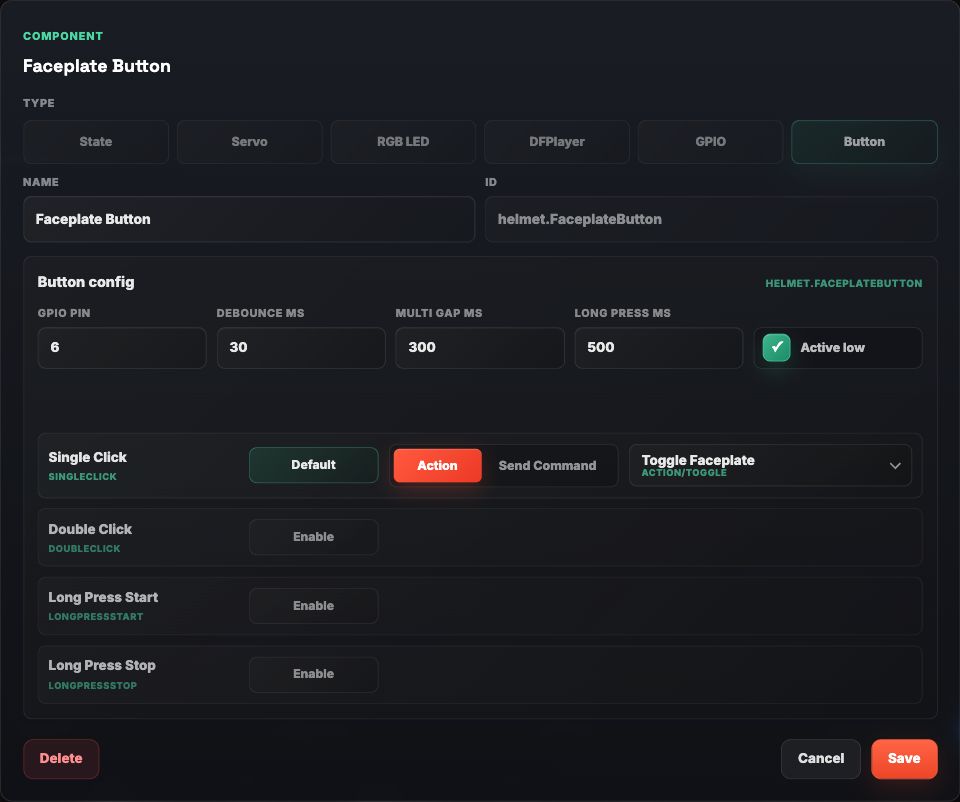
  • ✓ Browser-based configuration
  • ✓ Board and servo profiles
  • ✓ Documented code you can adapt
Browse reference projects →
</>
03 · Full control

Develop with ArmorLink

“Firmware updates should be for features, not servo angles.”

Build your own firmware, expose the settings that should stay adjustable and stop recompiling just to tune hardware.

  • ✓ Your hardware and firmware
  • ✓ Actions, commands and configuration
  • ✓ Telemetry and remote logging
  • ✓ ESP-NOW with optional BLE gateway
Open developer docs →
You never outgrow the platform.

Move from a finished Node to your own wiring and later to fully custom firmware without replacing the ecosystem around it.

Why ArmorLink exists

A shared system for real prop builds.

ArmorLink gives every module the same language for Actions, configuration, telemetry and presence, whether you are using one ESP32 or a full prop with multiple wireless parts.

🧩

Modular by Design

Helmets, arms, backs, props and sensors as independent modules.

Prop-to-Prop Commands

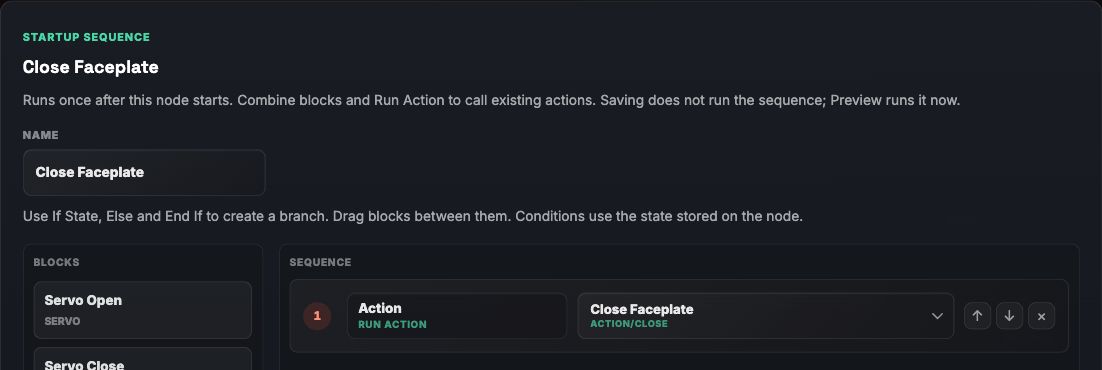
Trigger Actions between modules without writing routing logic again.

📱

App Optional

Use the Companion App when you want a UI. Run prop-to-prop commands when you do not.

🛠️

Open Ecosystem

Hardware, firmware and app integration for real-world builds.

Open reference projects

Build it yourself. Start from something proven.

Each official reference project is designed to be reproduced, understood and adapted — not hidden behind a compiled binary.

01Hardware-friendly structureKeep pin assignments, servo values and module settings easy to find and adjust.
02Structured reference firmwareClean code with Actions, configuration and communication split into understandable pieces.
03Configure after flashingTune the values that change during a build from the setup tool or Companion App.
View the current developer documentation →
HelmetReference.ino
ArmorLinkModule helmet(
    "ArmorLink Helmet",
    ArmorLinkModuleType::Helmet
);

void toggleFaceplate()
{
    ArmorLink.info("Toggle faceplate");
}

void setup()
{
    ArmorLinkOptions options;
    options.enableBle = true;
    options.enableEspNow = true;

    helmet.actions()
        .add("toggleFaceplate")
        .label("Toggle Faceplate")
        .command("Facemask", "toggle")
        .onExecute([] {
            toggleFaceplate();
        });

    ArmorLink.begin(helmet, options);
}
Web Node Configurator

Flash once. Configure what changes.

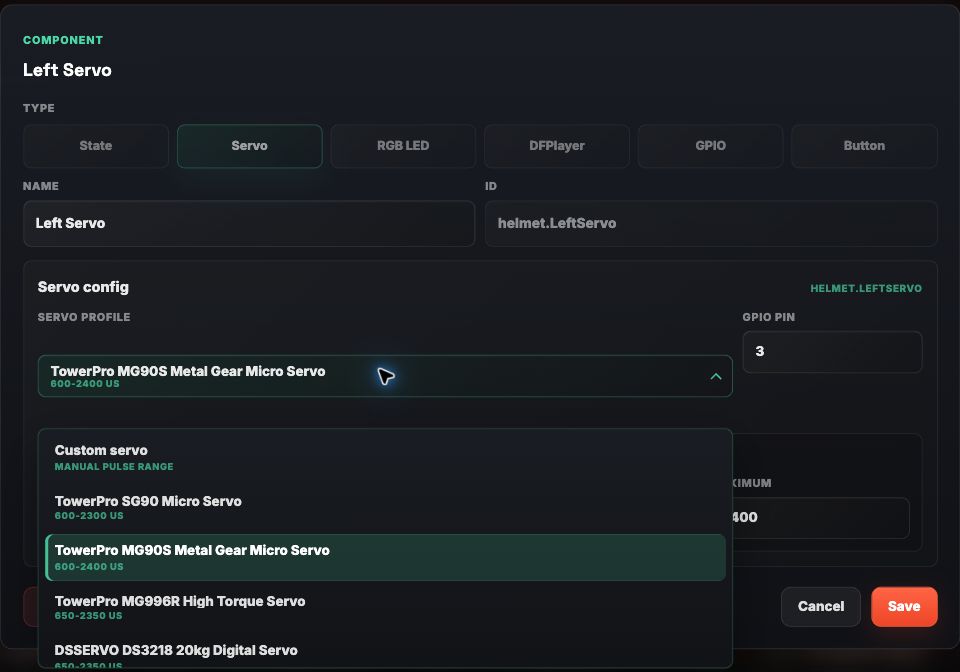
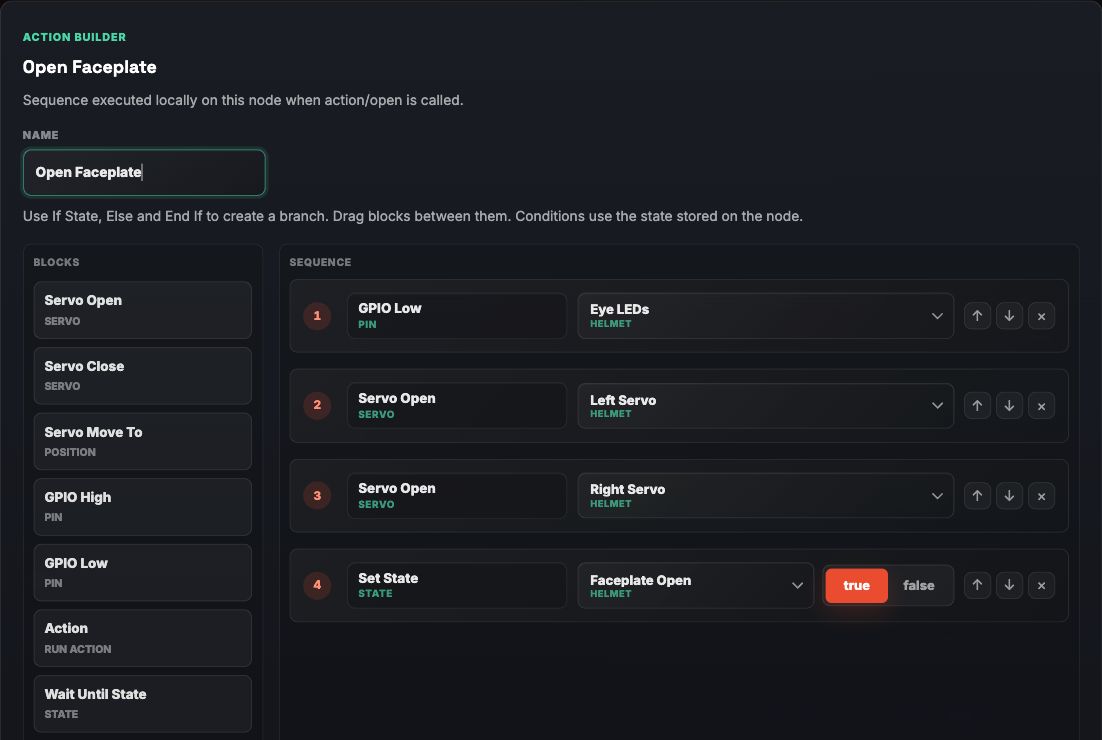
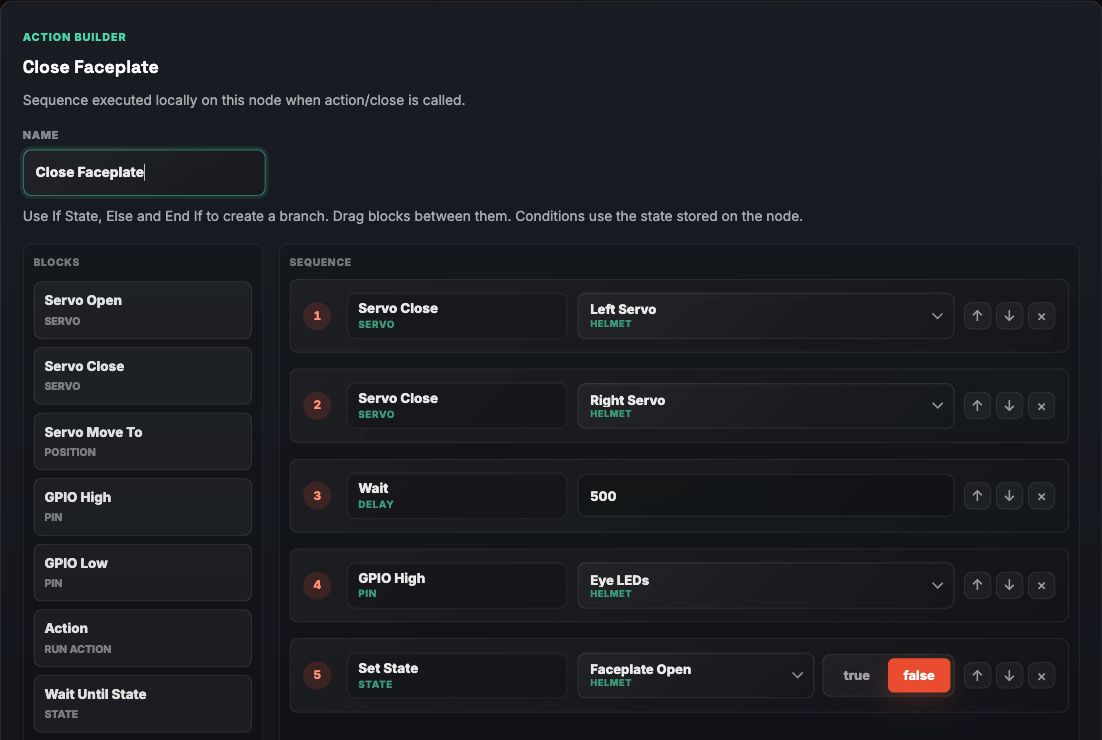
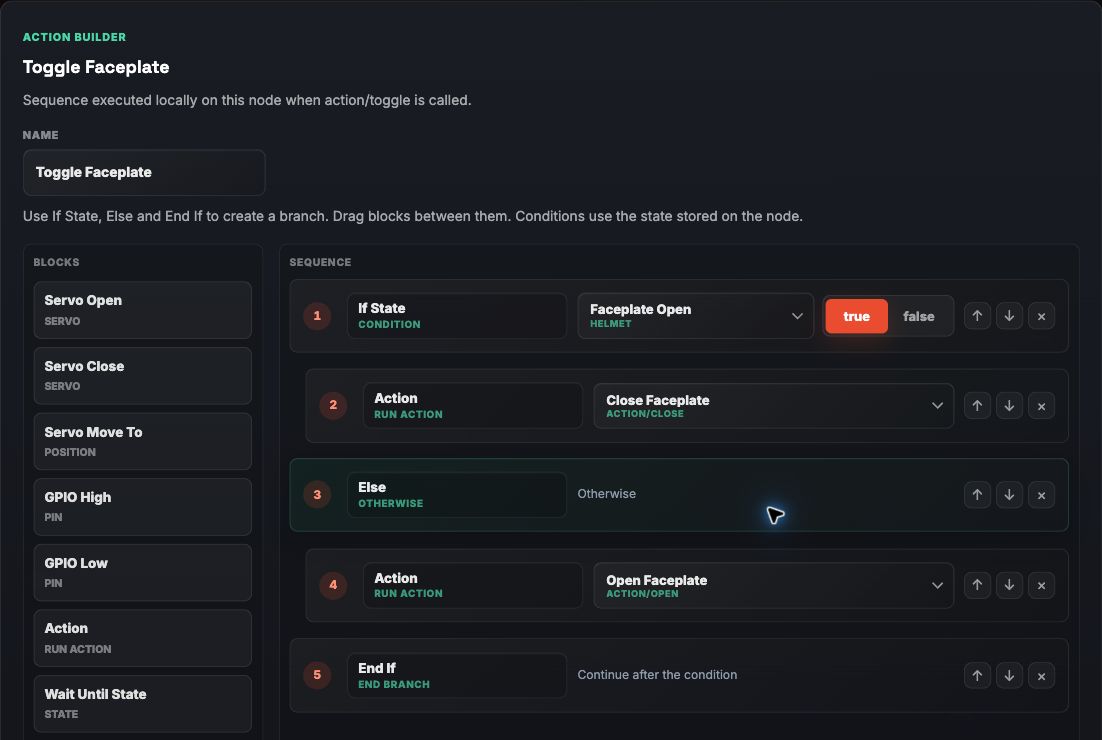
Connect an ArmorLink node in the browser, read what the firmware supports and tune the prop without opening an IDE or recompiling for every small hardware adjustment.

Config that stays editable

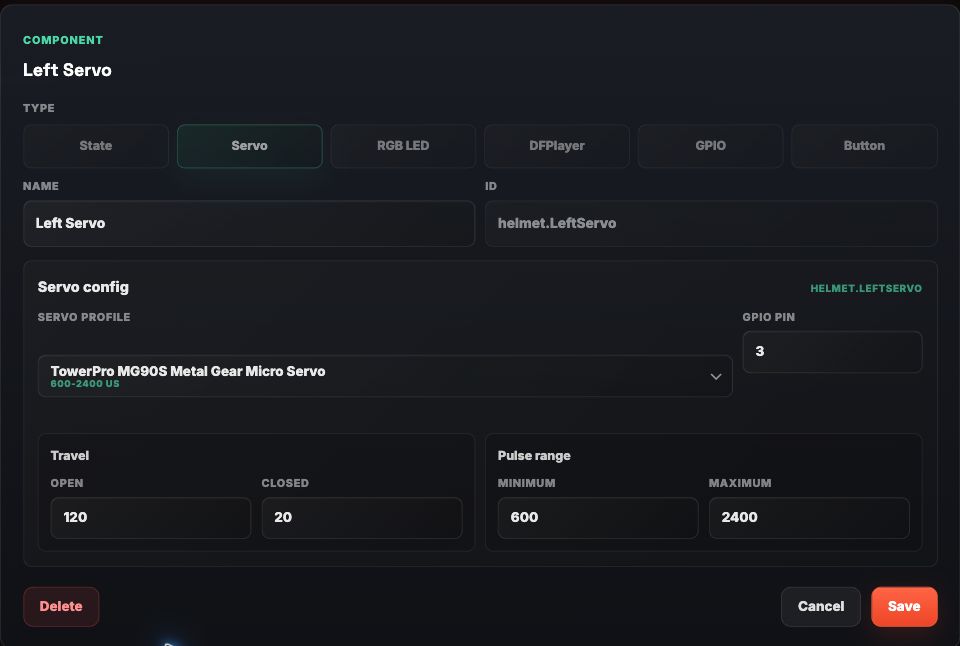
Expose servo positions, timings, GPIO assignments and module settings without hardcoding every value forever.

Servo calibration

Adjust pins, open and closed positions and pulse ranges for mechanisms like faceplates.

Community profiles

Reuse compatible module, board and servo profiles for repeatable builds and hardware variants.

Browser or app

Use the setup tool while building and the Companion App when the prop is assembled.

Common build patterns

From one ESP32 to a full wireless system.

ArmorLink does not force every project into the same architecture. Start with one device, add modules when the build needs them and keep diagnostics available in the field.

Single-device projects

Run one ESP32 as a Gateway-enabled module and control it directly from the ArmorLink Companion App. ESP-NOW is not required.

Single Module Gateway →

Multi-module systems

Use one Gateway and multiple paired modules. Send Commands between modules or broadcast Commands to all matching modules.

Gateway Button Panel →

Diagnostics in the field

Use on-demand Telemetry, Remote Logging and module Presence detection to debug assembled systems without USB access.

Remote Logging →
Small API, clear intent

Code that shows what is happening.

Define a module, expose Actions and keep adjustable hardware values in configuration instead of rebuilding firmware for every tweak.

single-module-gateway.ino
ArmorLinkModule helmet(
    "ArmorLink Helmet",
    ArmorLinkModuleType::Helmet
);

void setup()
{
    ArmorLinkOptions options;
    options.enableGateway = true;
    options.enableBle = true;

    ArmorLink.begin(helmet, options);
}
actions.ino
void toggleFaceplate()
{
    ArmorLink.info("Toggle faceplate");
}

module.actions()
    .add("toggleFaceplate")
    .label("Toggle Faceplate")
    .command("Facemask", "toggle")
    .stylePrimary()
    .onExecute([] {
        toggleFaceplate();
    });
config.ino
config.addServoConfig("faceplateLeft", &servoLeft)
    .section("Servos")
    .gpio(4)
    .openPosition(160)
    .closedPosition(10);

config.addBool("eyeFlicker", &eyeFlicker)
    .section("LEDs");
Official ArmorLink hardware

Purpose-built Nodes.

Official boards are the shortest route to a working prop. The same concepts remain available as open reference projects for self-built hardware.

Coming soon
In development

Sound Node

A dedicated audio module for effects, triggers and prop-integrated sound.

Coming soon
Planned

MP-S

A compact Multi Purpose Node for small mechanisms, lights and sensors.

Coming soon
Planned

MP-M / MP-L

Expandable Nodes for larger mechanisms and more complex wearable systems.

Coming soon
Planned

MP-XL

High-channel-count control for larger servo-driven assemblies.

Optional companion app

Control and inspect your prop.

The app is not required for every ArmorLink build. When used, it provides one interface for pairing, Actions, settings, telemetry and remote logs.

App StoreComing soon Google PlayPlanned
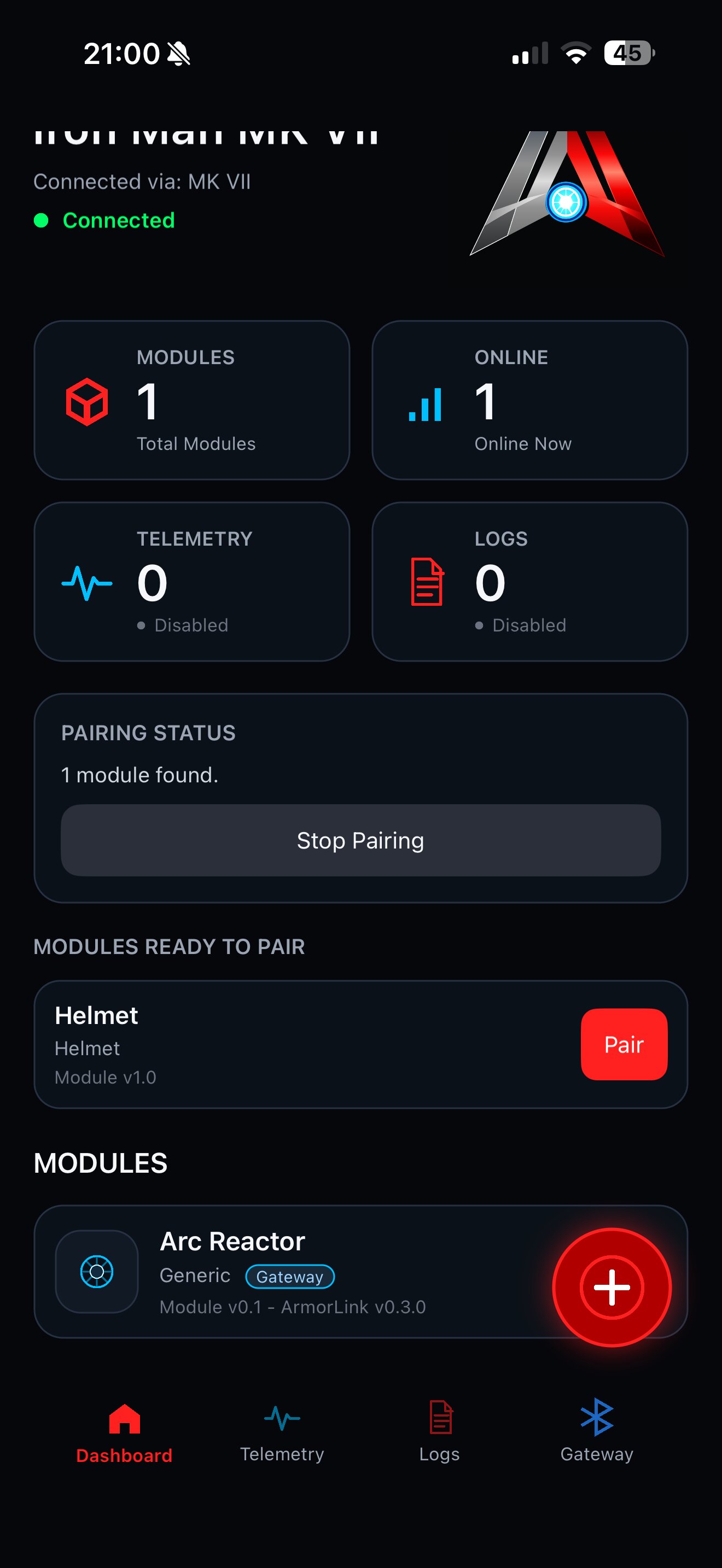
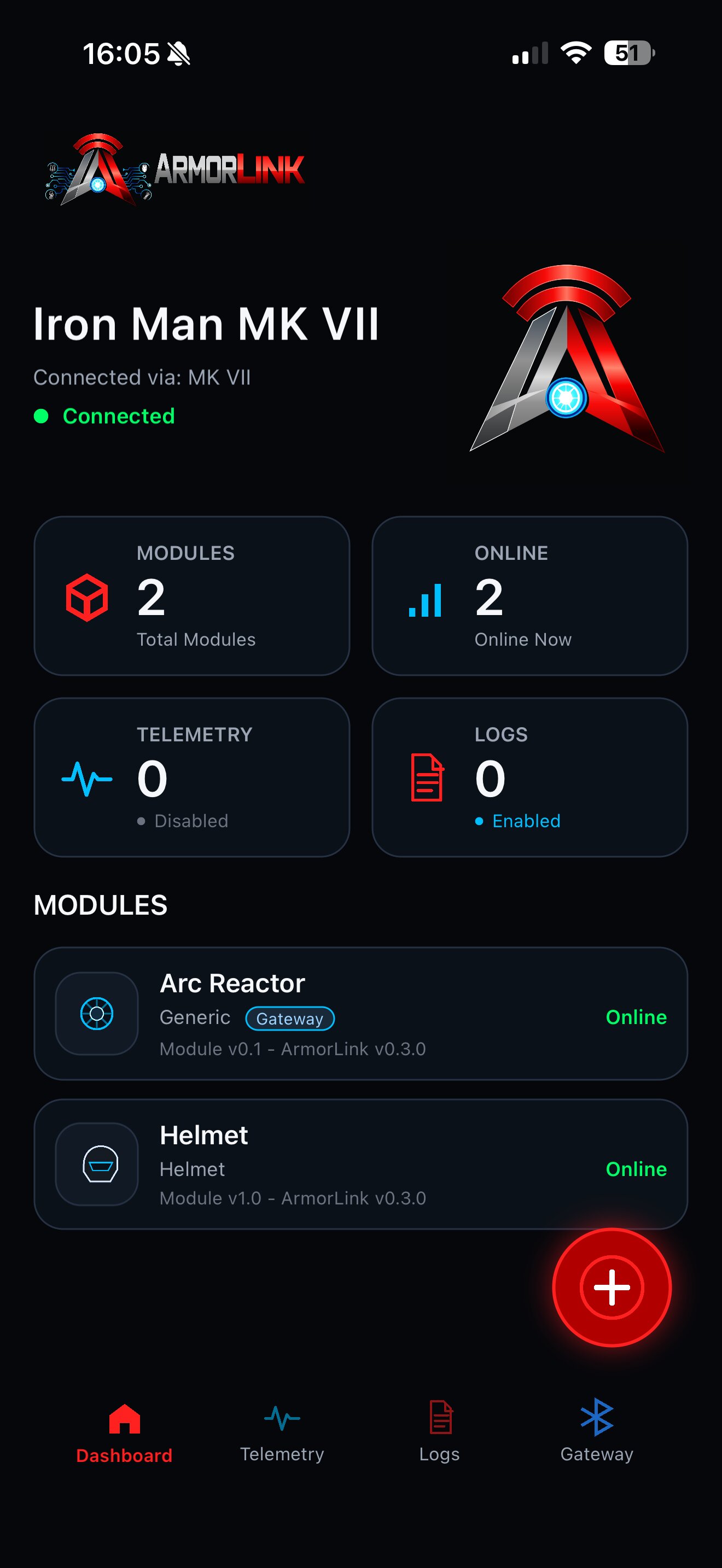
ArmorLink dashboard

Dashboard

See connected modules, status and available controls.

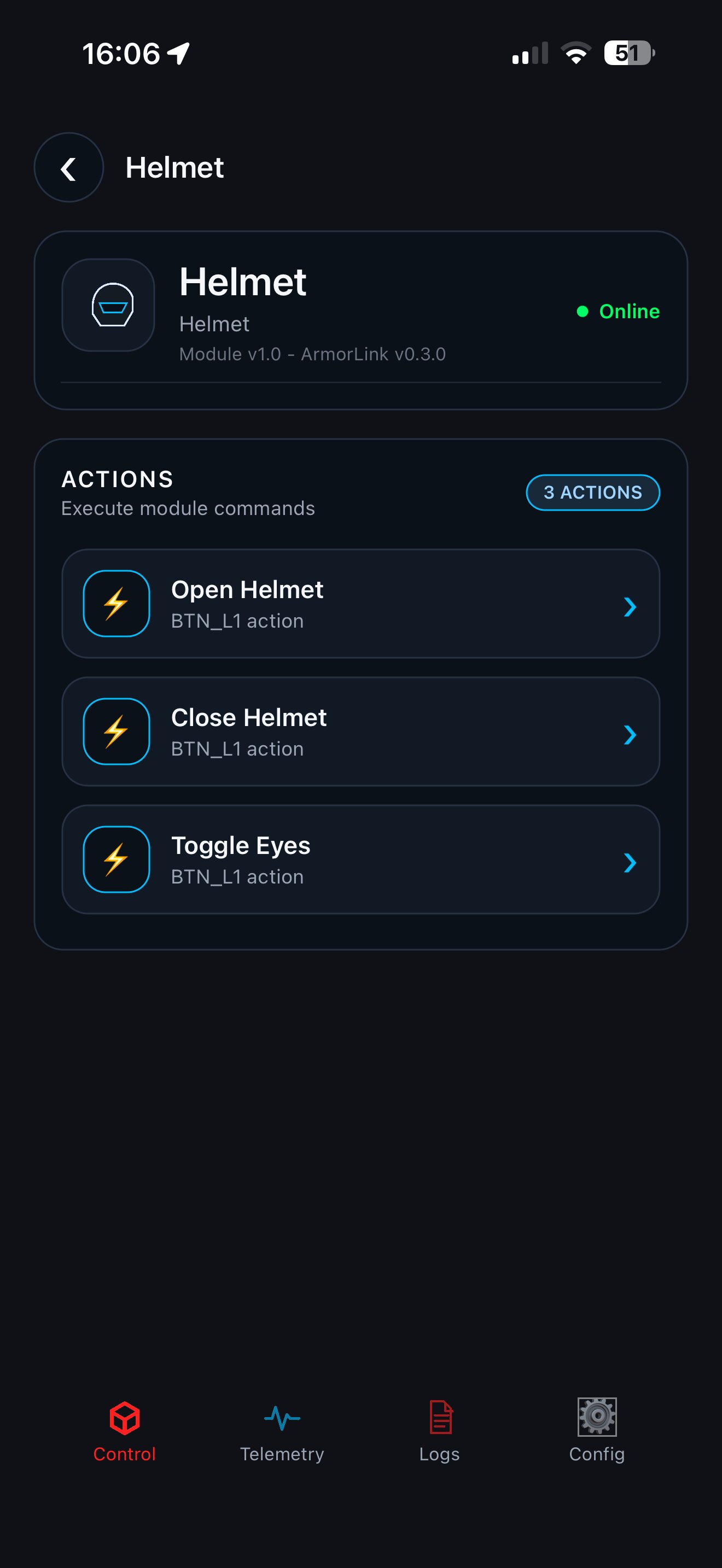
ArmorLink module details

Module details

Control Actions and inspect module-specific configuration.

ArmorLink pairing

Pairing

Discover and pair modules through the ArmorLink Gateway.

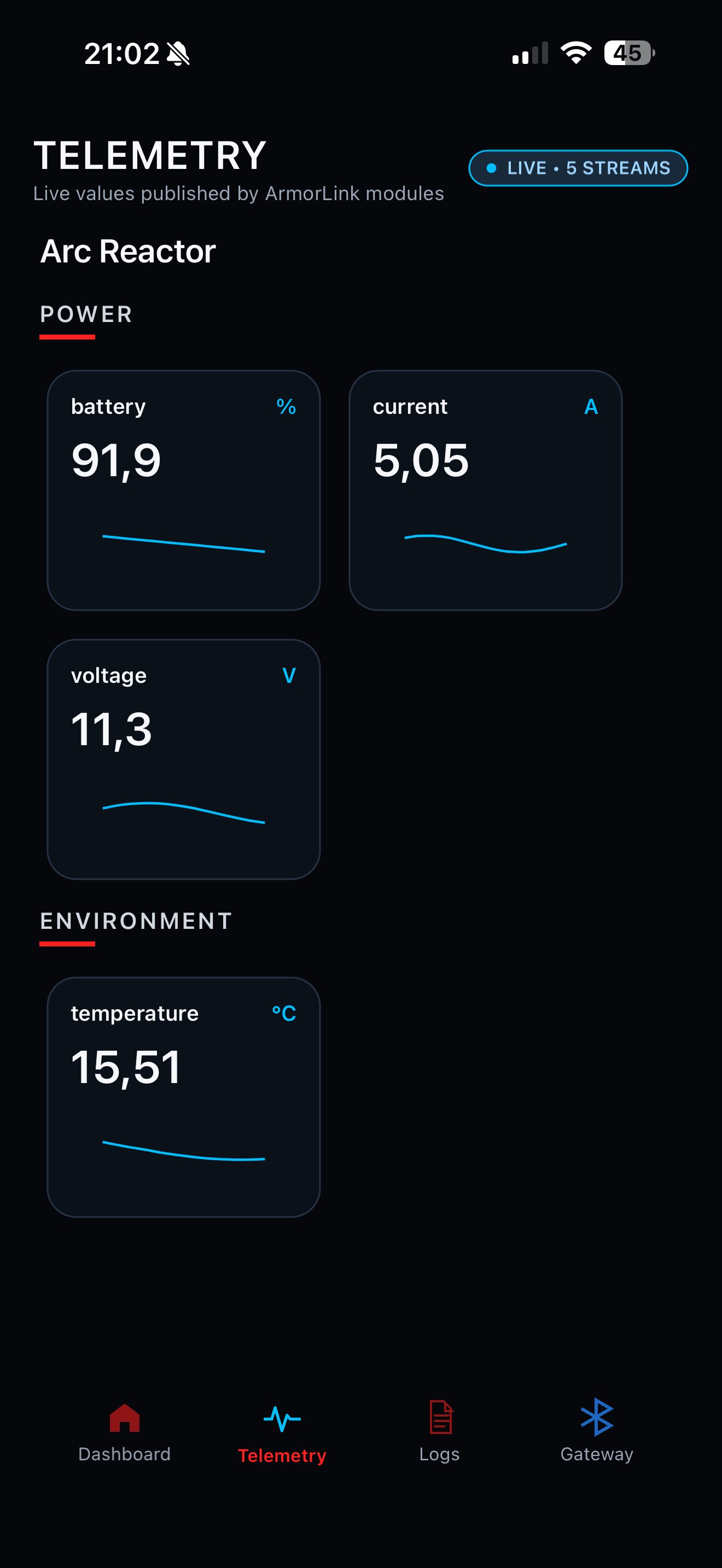
ArmorLink telemetry

Telemetry

Read live values and remote logs without opening the prop.

The documentation remains separate

Ready to build with ArmorLink?

Framework concepts, API documentation, examples and technical guides continue in the dedicated Docusaurus documentation.